Census and beds
Keep a live picture of the house. Beds can be occupied, open, or out of service, so the count matches the building.
Recovery residences
Built for the day-to-day of a recovery residence: who is in a bed, who is out on a pass, what got done, and what was paid. Sober living is the clearest current offer. There is no fee per staff member.
Sober living preview
Beds, resident phone portal and nightly roll call, chores, passes, house meetings, drug tests, and rent recorded as a receipt. There is no fee per staff member.
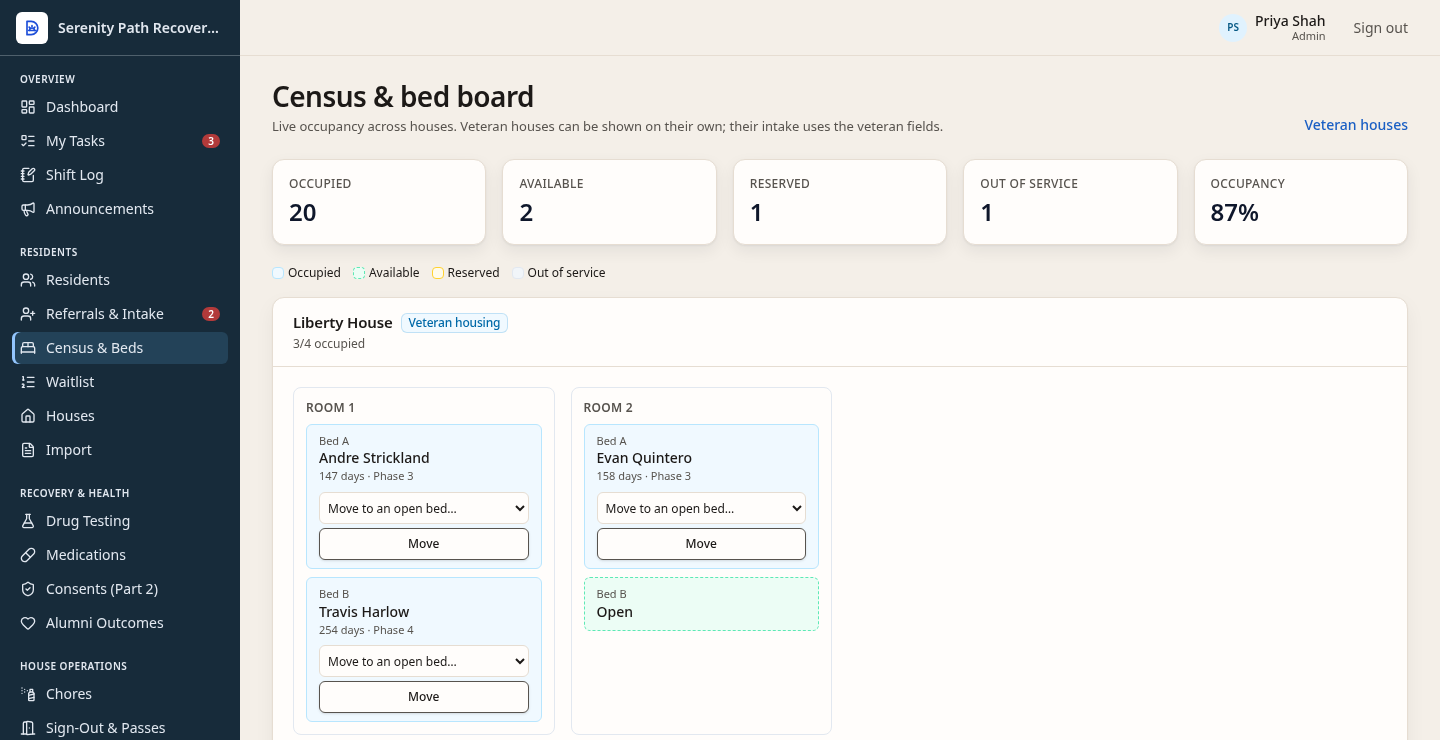
The bed board shows who is in the room and which beds are open. Liberty House is one of the fictional houses. There is no fee per staff member.
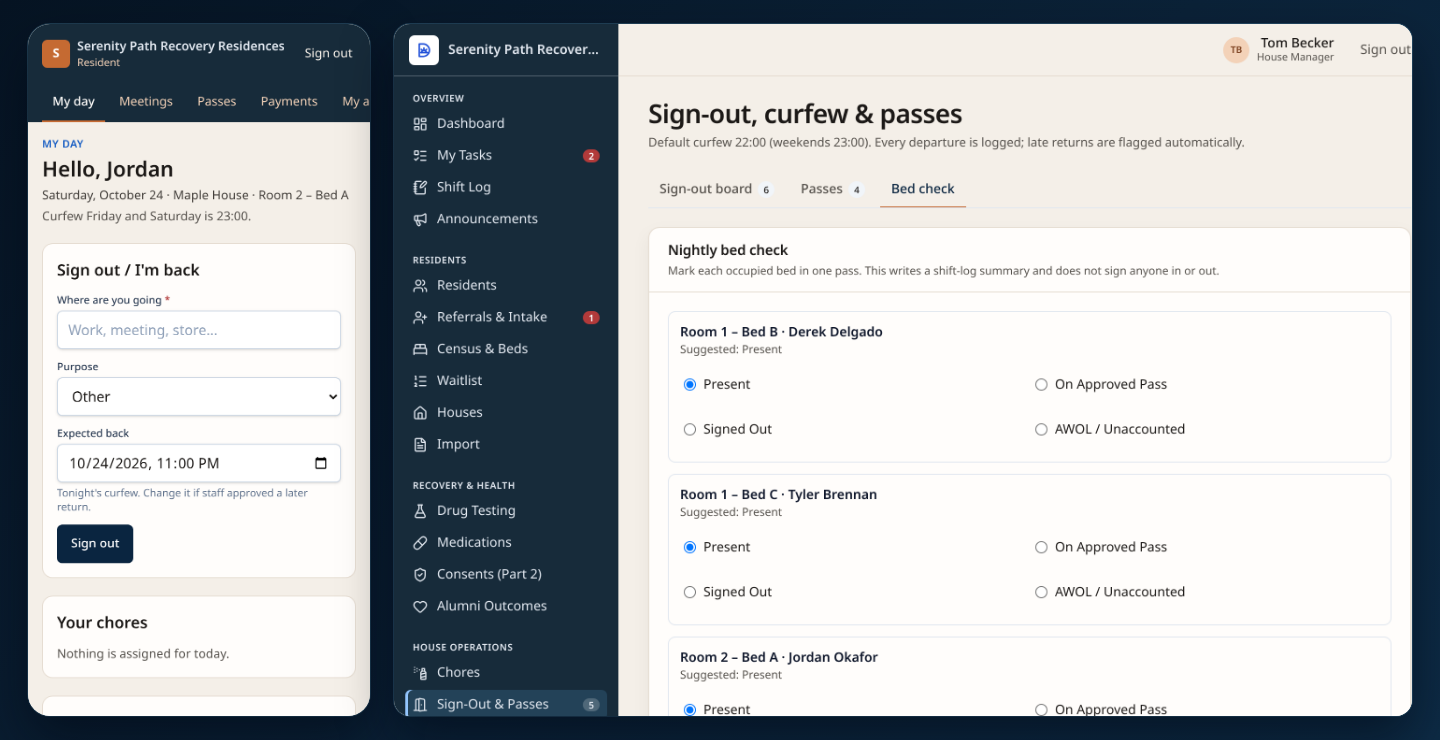
Residents sign out and back in from a phone browser with tonight’s house curfew filled in automatically, and staff mark every occupied bed on one nightly bed check screen.
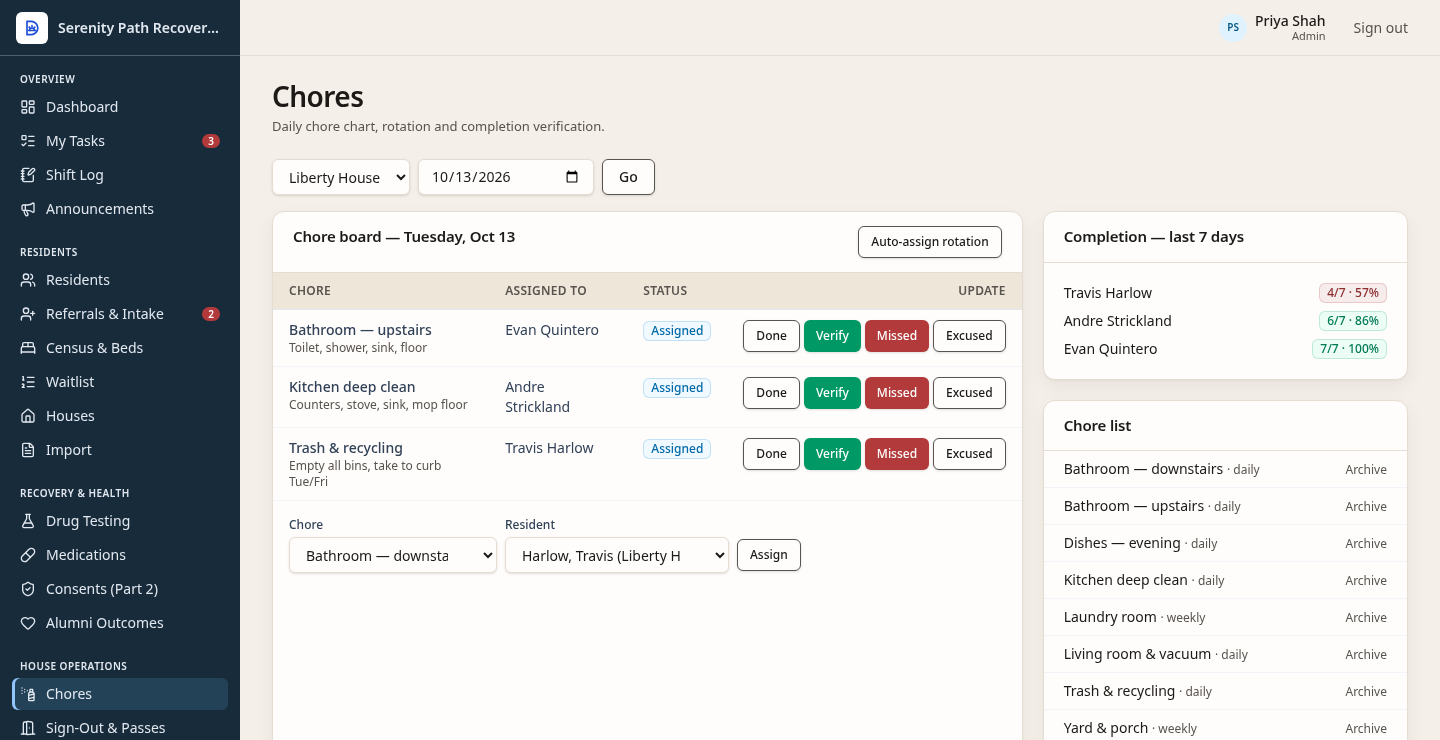
Staff see who has the bathroom, the kitchen, and trash, and whether the week is done. This is the chore board, not a note on the chart.
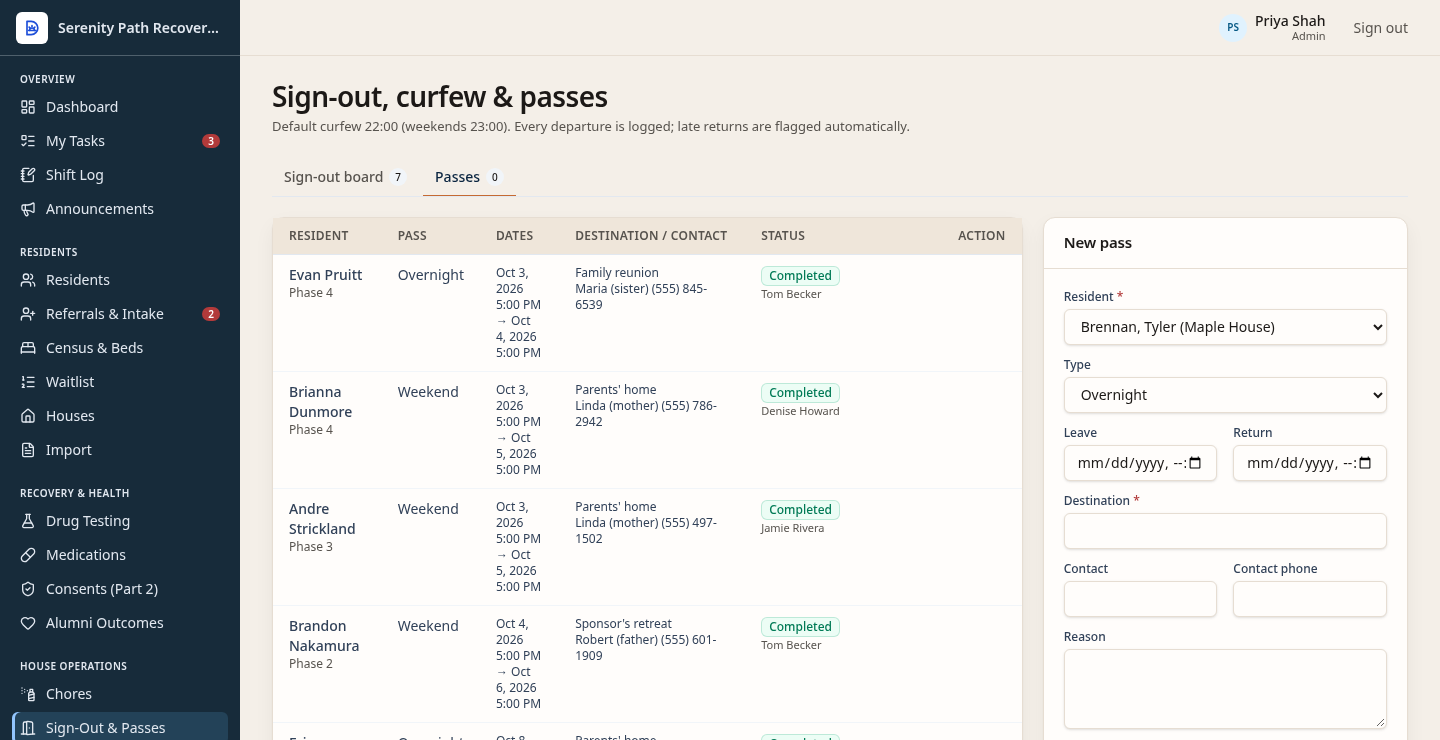
A weekend or overnight pass has dates, a destination, and a status. The same screen also keeps the sign-out board. This picture is the pass list.
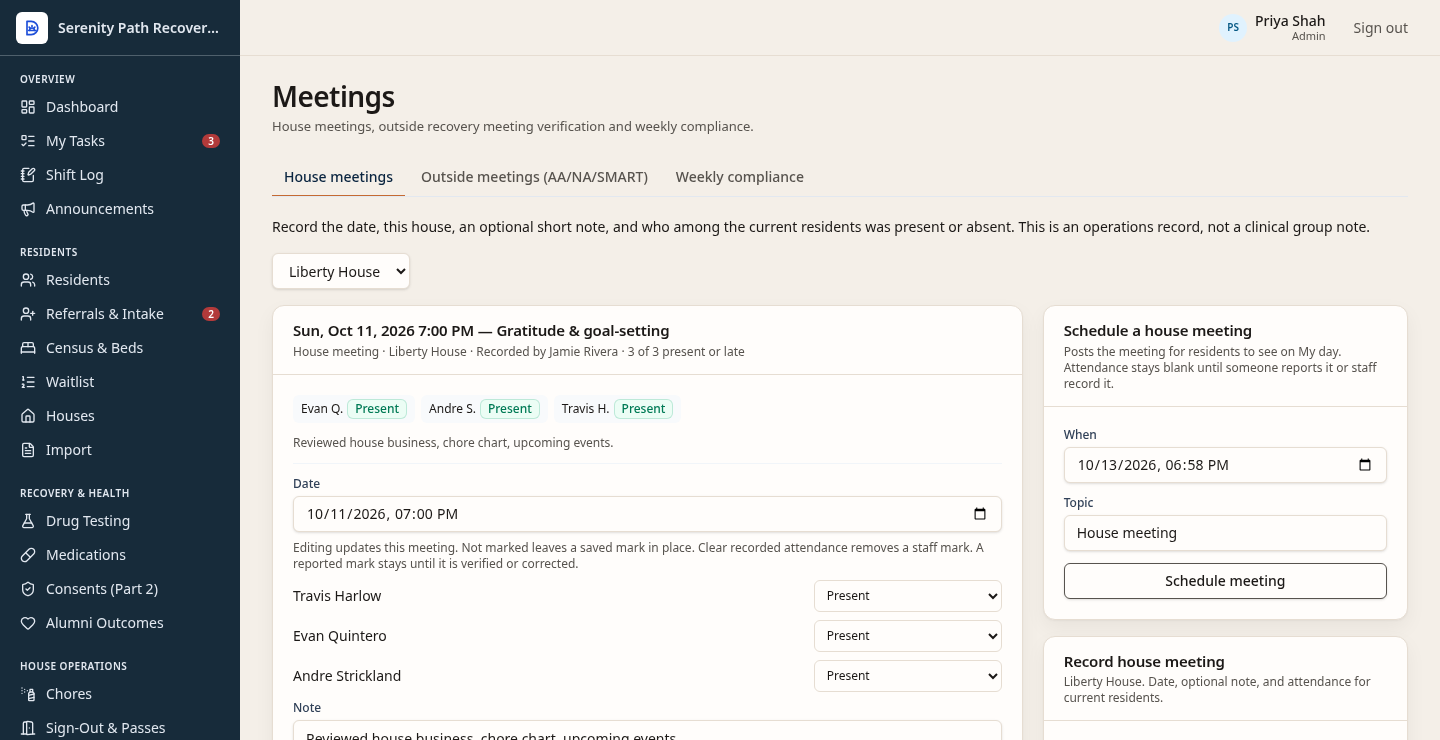
This view is the house meeting and the attendance on it. Outside meetings, such as AA, NA, or SMART, are the next tab on that same screen.
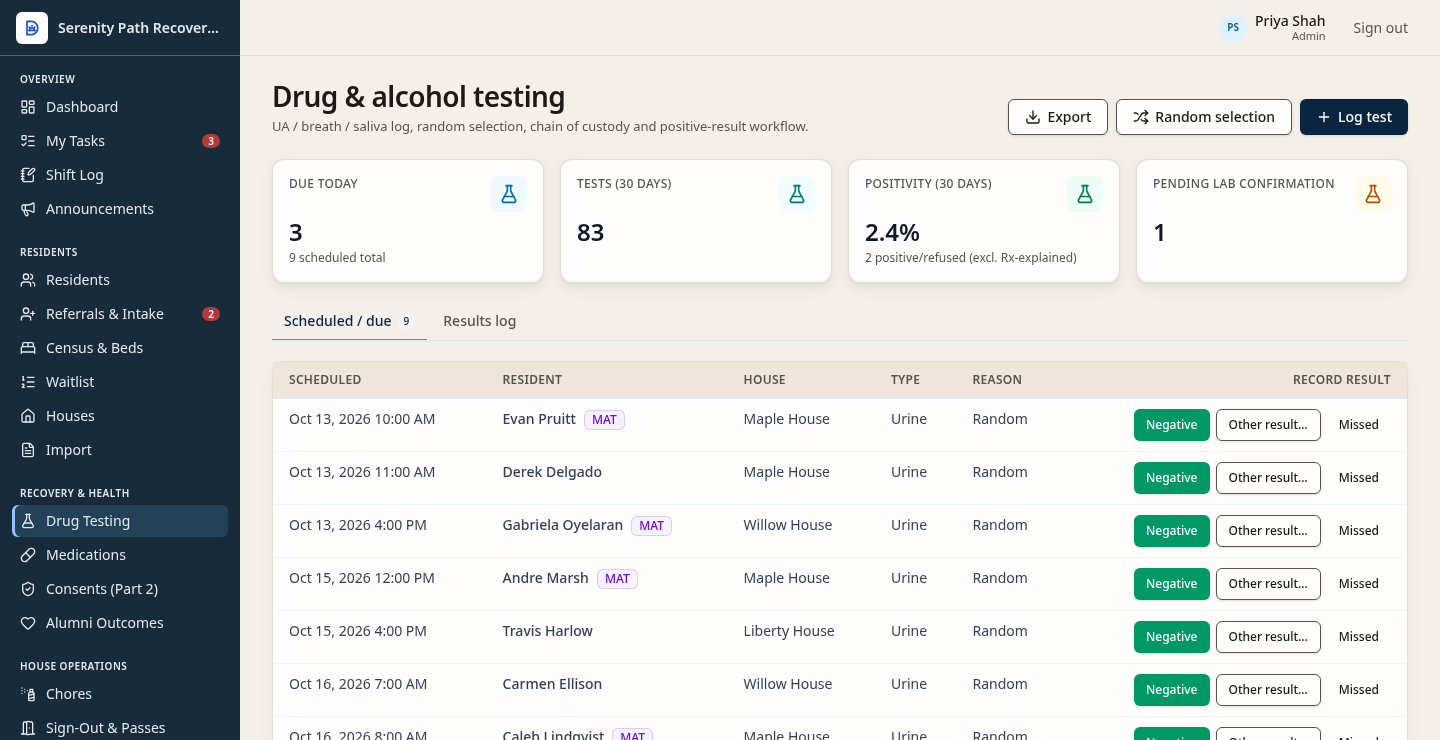
Testing sits on the same record as the bed. Staff see what is due and record a result.
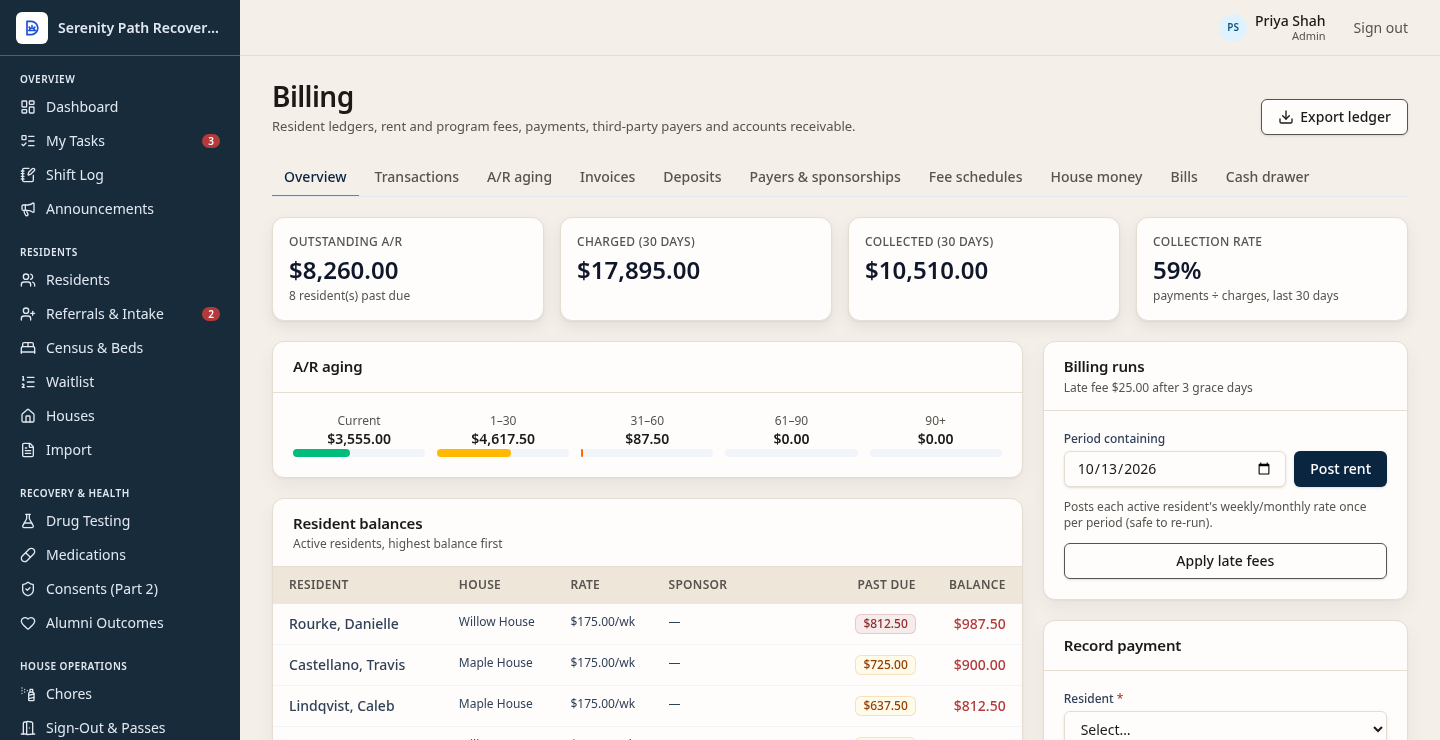
Staff bill rent and record cash with a numbered receipt. This view shows fictional balances. It is not card processing, and it does not send payment reminders.
Screens shown use fictional demo data.
Keep a live picture of the house. Beds can be occupied, open, or out of service, so the count matches the building.
Assign chores and track passes away from the house. Both sit with the resident, not in a separate spreadsheet.
Bill rent and record cash with a numbered receipt. For the accountant, export a journal CSV (date, account, debit, credit, memo). That file is not a full replacement for QuickBooks, and it is not an IIF file.
The app can draft an email for a court or probation officer. A staff member reviews the draft before it is sent. It does not go out on its own.
Intake and consents, drug testing, medications including MAT, and incidents are on the same record as the bed.
Residents open the portal in a phone browser, on iPhone or Android, and can add it to the home screen. It is not a separate app-store download. They can see their house, bed, phase, curfew, sobriety count, and announcements; mark a chore done; request or cancel a pass; log an outside meeting for staff to review; see their balance, rate, and receipt numbers; read agreements they signed and consents on file; file a grievance, including anonymously; and change their password or turn on an authenticator code.
After discharge, checkpoints are scheduled at 30, 60, and 90 days, and at 6 and 12 months. They stay held, and no follow-up message is sent, unless a signed follow-up consent is still in effect. With that consent, a due checkpoint is handed to the configured notification provider. The local default is the outbox, which does not send live email or SMS. An alumni portal check-in saves the answers in the app. Asking staff for contact creates a task and does not send email or SMS. Follow-up is not the price.
Included configuration is already in Settings: organization name, curfews, meeting and testing targets, fees, and house rules. Optional onboarding assistance is listed at $249. It is help using those settings, it is not required, and this website does not charge it. Custom development is a separate scoped build for that customer. It is not included configuration, and it is not a self-serve form builder.